Download
Download KLYPPR.
Install the app, sign in, and activate your free trial. KLYPPR clips your stream from OBS while you stay live.
Installing on Windows
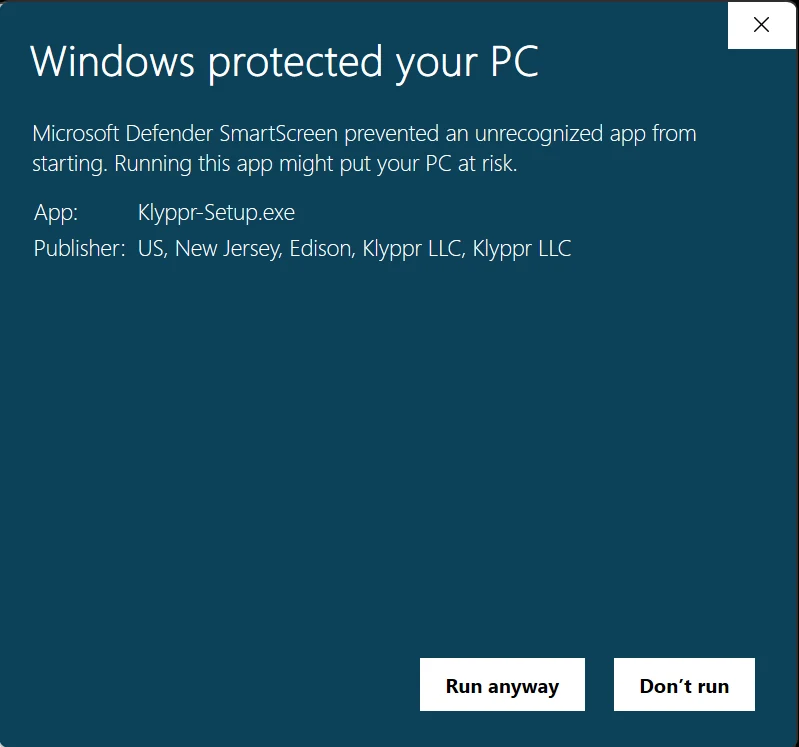
Windows may show a blue “Windows protected your PC” screen the first time you open the installer. That’s normal for a newly released app: Windows shows it until enough people have downloaded the app, even when it’s properly signed.
- 1Open Klyppr-Setup.exe from your Downloads folder.
- 2If the blue screen appears, click More info.
- 3Check that Publisher includes Klyppr LLC, then click Run anyway.